

Play PC games with your phone as the controller
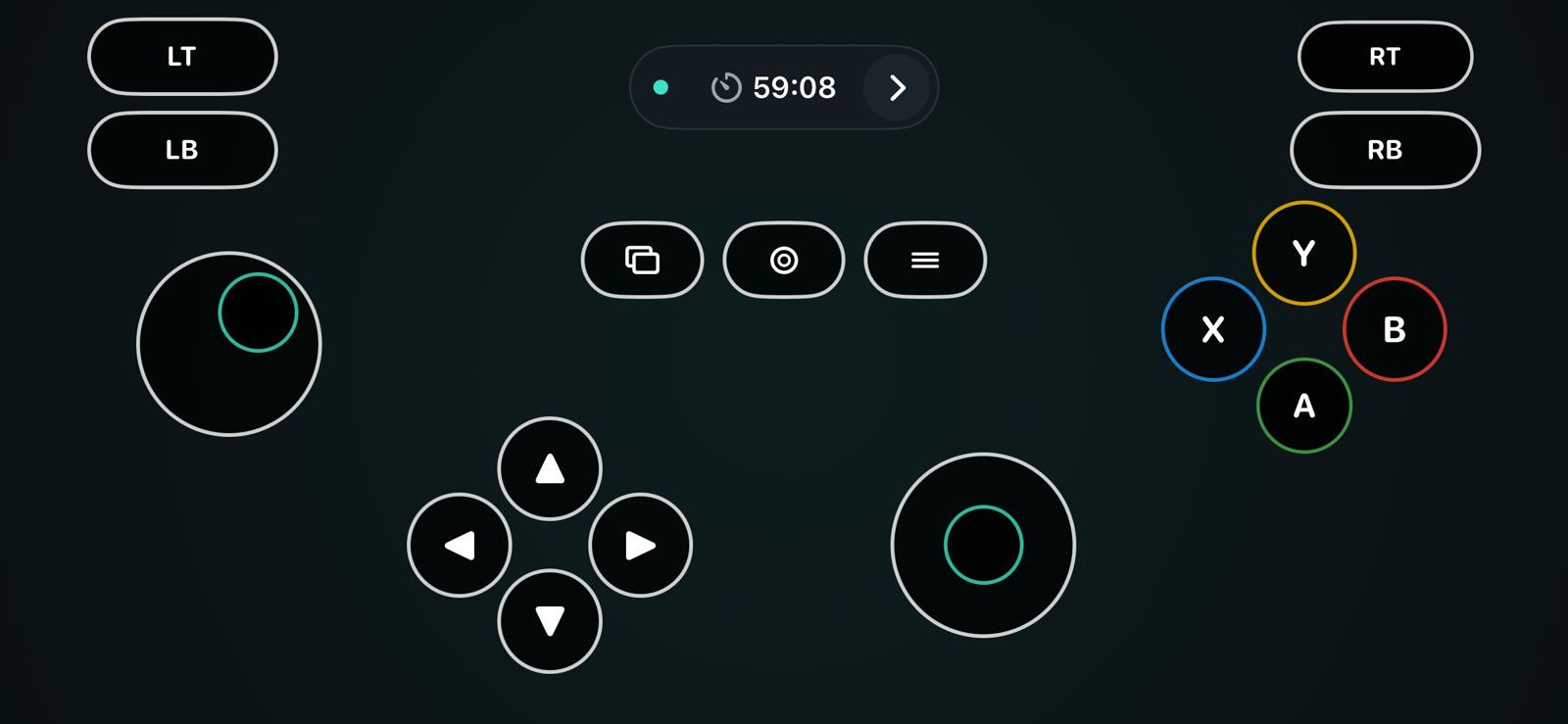
GamerPad turns an Android phone or iPhone into a game controller. Windows recognizes it as an Xbox 360 controller, and on a Mac it works as a standard gamepad. Install the free desktop app, connect your phone over Wi-Fi and start your game.
Windows 10/11 (64-bit) · macOS 15.4+ · Android 7.0+ · iOS 16.6+
Set up in three steps
GamerPad has two parts: a desktop app that creates the controller on your computer, and the phone app you hold.
- 1
Install the desktop app
Free for Windows and Mac. On Windows, the first launch asks once for administrator permission to install the controller driver.
- 2
Install the phone app
Get GamerPad from Google Play or the App Store and put the phone on the same Wi-Fi as the computer.
- 3
Connect and play
The phone app finds the computer by itself. If it doesn't, scan the QR code shown in the desktop app.
What you get
Windows sees an Xbox 360 controller
GamerPad installs a virtual Xbox 360 controller, so Steam and games with Xbox controller support accept your phone without extra setup. On a Mac it appears as a standard gamepad.
Move any button
Drag, resize or hide each control and keep a separate layout for each game: two sticks, D-pad, A/B/X/Y, bumpers, triggers and Start, Back and Guide.
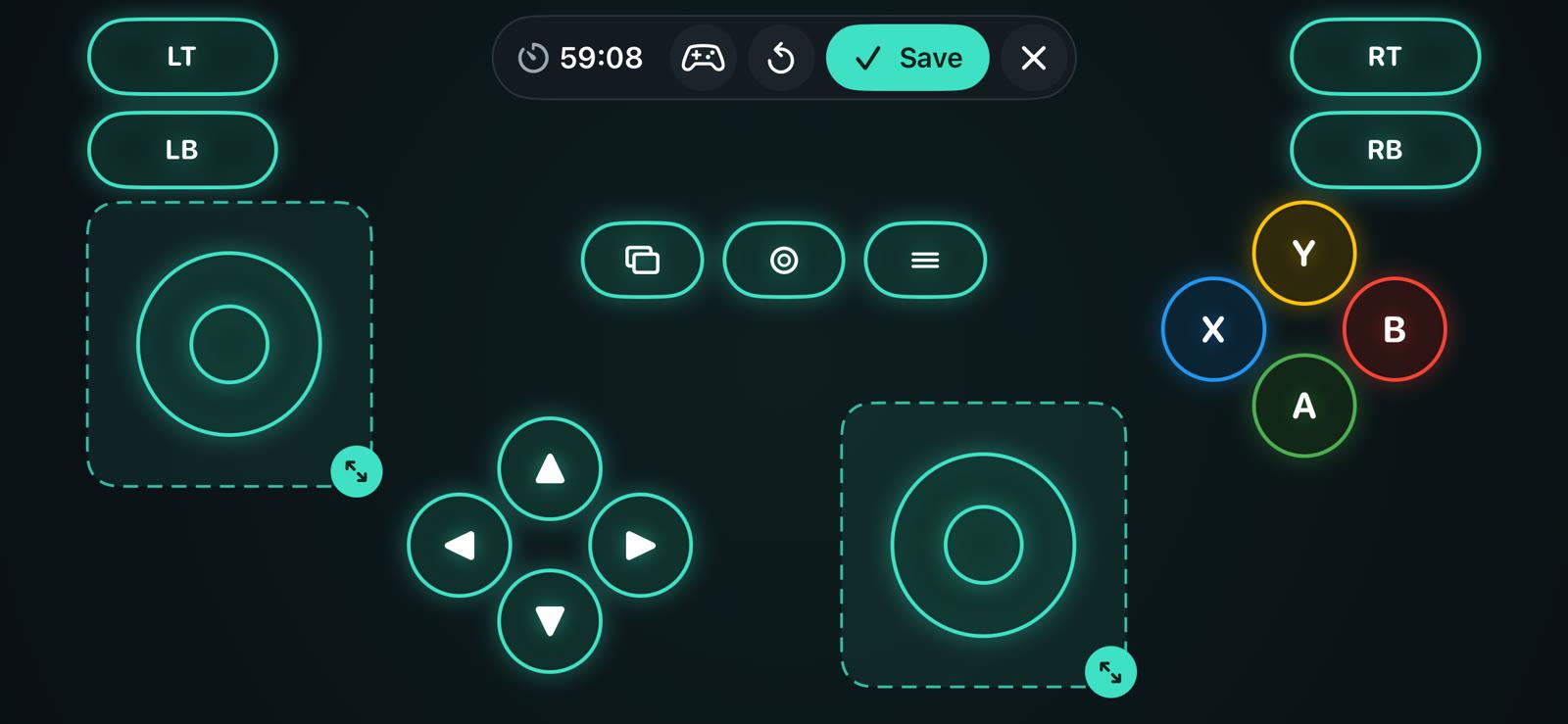
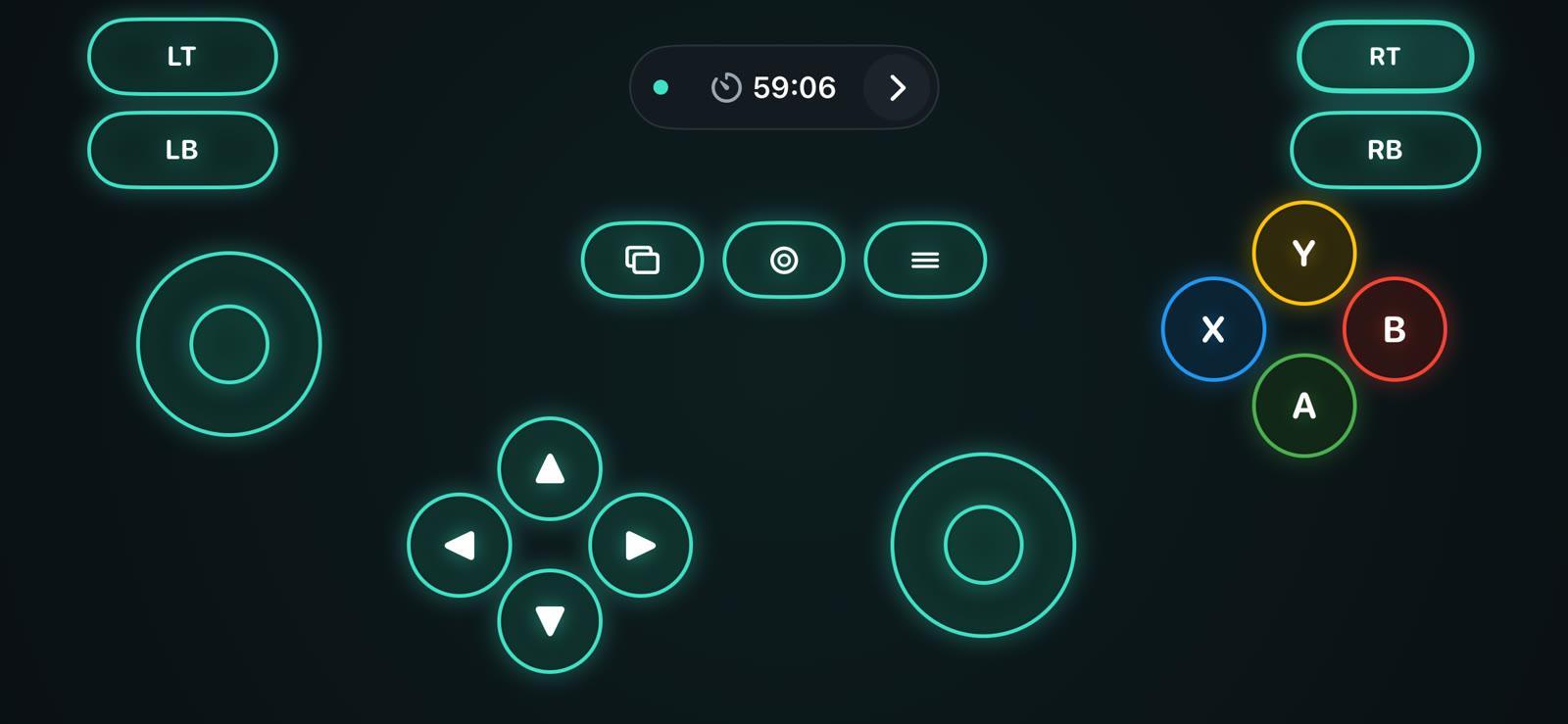
Four button styles
Console, Neon, Glass and Classic change how the buttons look. Positions and sizes stay the same.
Console
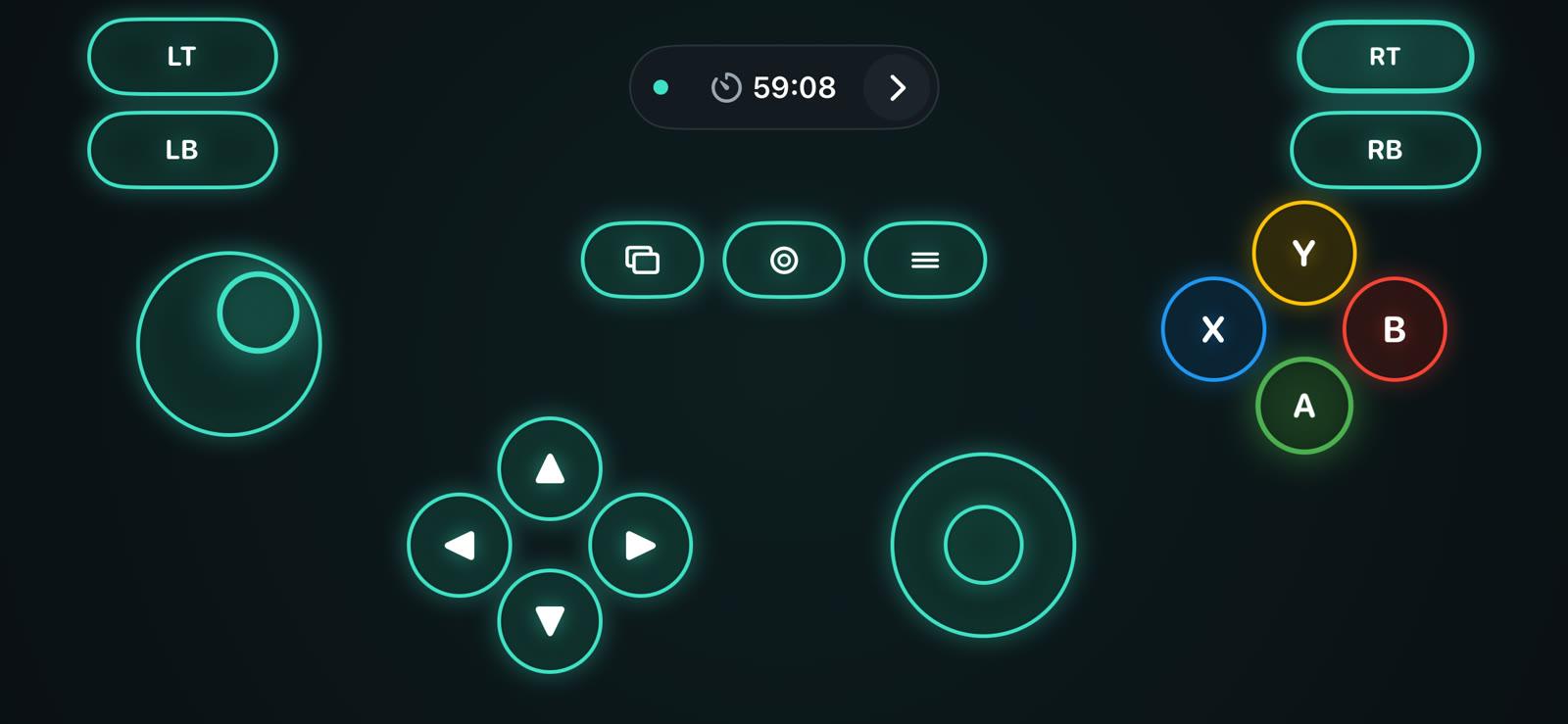
Neon
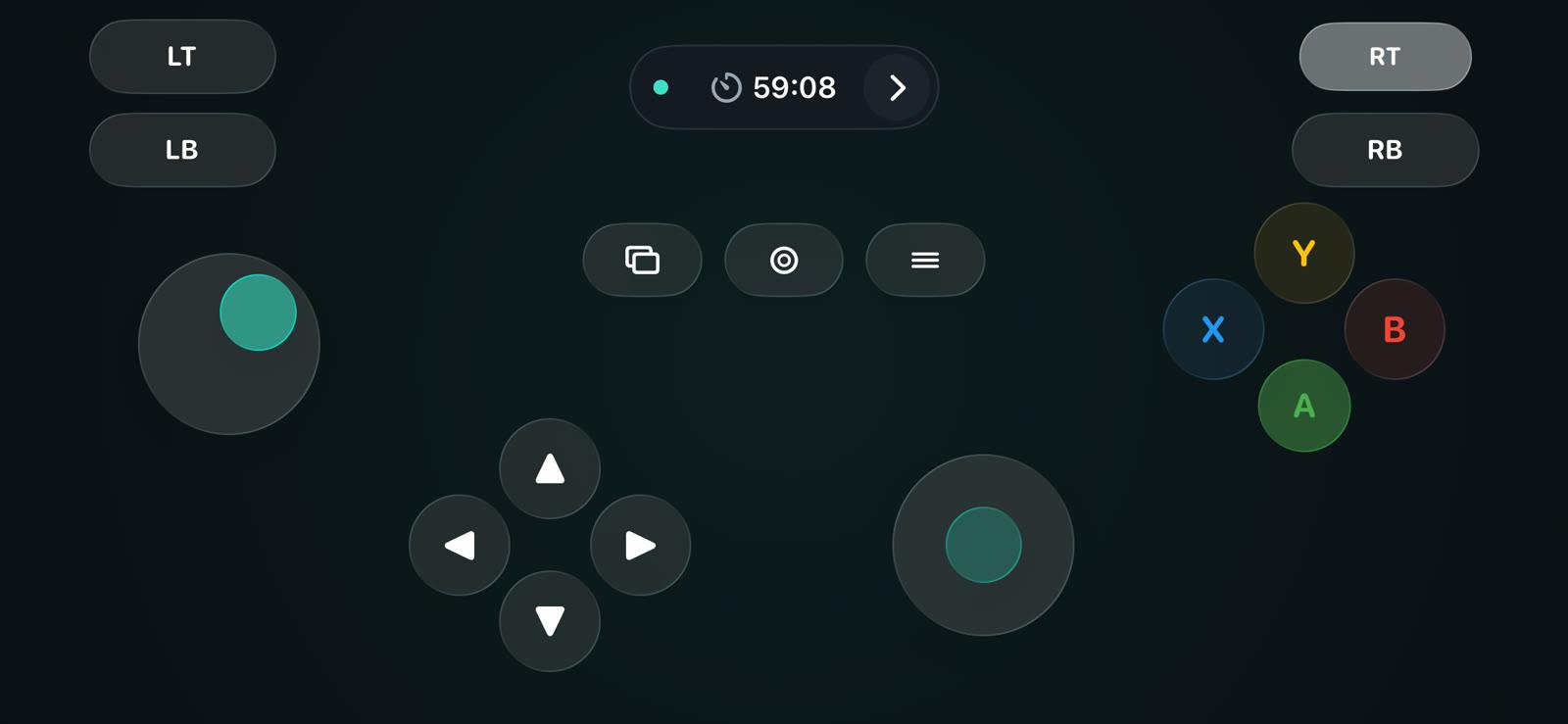
Glass
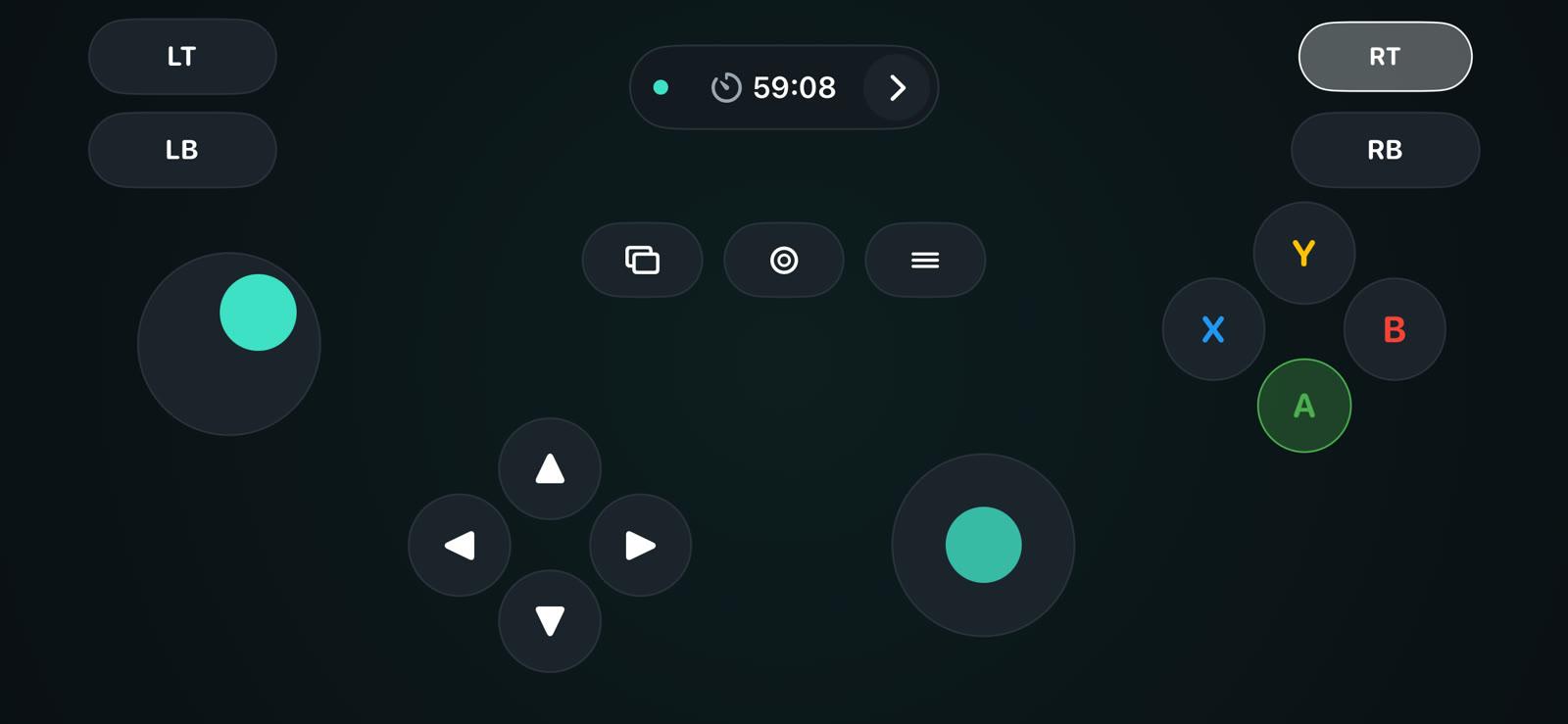
Classic
One phone per player
Every phone that connects becomes a separate controller, so friends can join a local co-op game with their own phones.
Tilt steering
Turn on tilt steering for racing games. The triggers are analog: tap for a full press or drag for partial throttle and brake.
Vibration
On Windows, rumble from the game makes the phone vibrate. Buttons can also vibrate when pressed.
Which games work
Any game on Windows or Mac that supports a controller.
Works with
- Steam games with controller support
- Emulators
- Racing and fighting games
- Platformers
- Local co-op games
Doesn't work with
- Games that only accept keyboard and mouse
- Game consoles and Android TV
- Linux
Price
The desktop app is free. The phone app is free with ads, and Premium is optional.
Free
Watch a short ad to unlock play time.
- All controls, layouts and styles
- Desktop app for Windows and Mac
Premium
No ads and no time limit.
- Monthly, yearly or one-time lifetime purchase
- Early access to new features
- Bought inside the phone app
Questions
Do I need both apps?
Yes. The desktop app creates the controller on your computer, and the phone app is the controller.
Will my game recognize the phone?
If the game supports a controller, yes. On Windows it sees an Xbox 360 controller; on a Mac, a standard gamepad.
Does it work with Steam?
Yes. Steam and Steam games with controller support see GamerPad as an Xbox controller on Windows.
Does it work with both iPhone and Android?
Yes. The same desktop app works with the Android app and the iPhone app, and you can mix them in one game.
Is it keyboard mapping on a Mac?
No. On a Mac, GamerPad appears as a standard gamepad. Games that only accept keyboard and mouse won't react to it.
Does it work over Bluetooth or USB?
No. GamerPad only uses Wi-Fi. A phone hotspot works if the computer joins it.
Why does Windows ask for administrator permission?
To install the ViGEmBus driver once. It lets Windows see the phone as an Xbox controller.
How do I keep input responsive?
Use 5 GHz Wi-Fi, stay close to the router and avoid large downloads on the same network while you play.
Does it work with consoles, Android TV or Linux?
No. GamerPad works with Windows PCs and Macs.
Start with the desktop app
Download GamerPad for your computer, then install the phone app and connect.
Start setupGuides
- Phone as gamepad
- Virtual gamepad for PC
- Mac virtual gamepad
- Phone as Steam controller
- iPhone as gamepad for PC
- Android phone as gamepad
- Phone as Xbox controller
- Mobile gamepad for PC
- Phone as laptop controller
- Multiple phones as controllers
- Phone as steering wheel
- Best phone controller apps
- Phone controller not working?